Sale 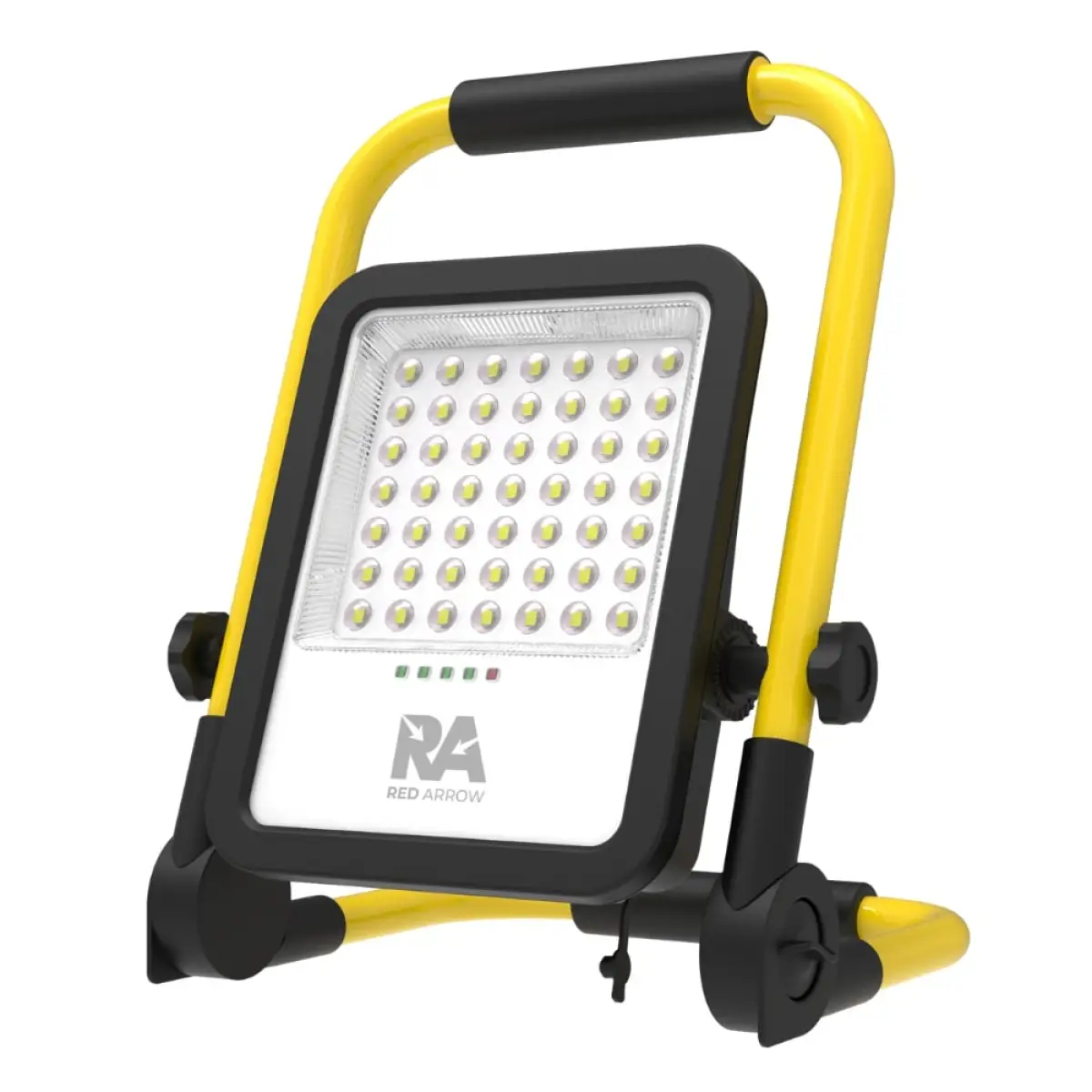
The best discounts this week
Power-Hub Price Drops You’ll Love
10%
Original price was: £18.84.£17.00Current price is: £17.00.
Krypton Pro Rechargeable Floodlight 500lm
12%
Original price was: £169.00.£149.00Current price is: £149.00.
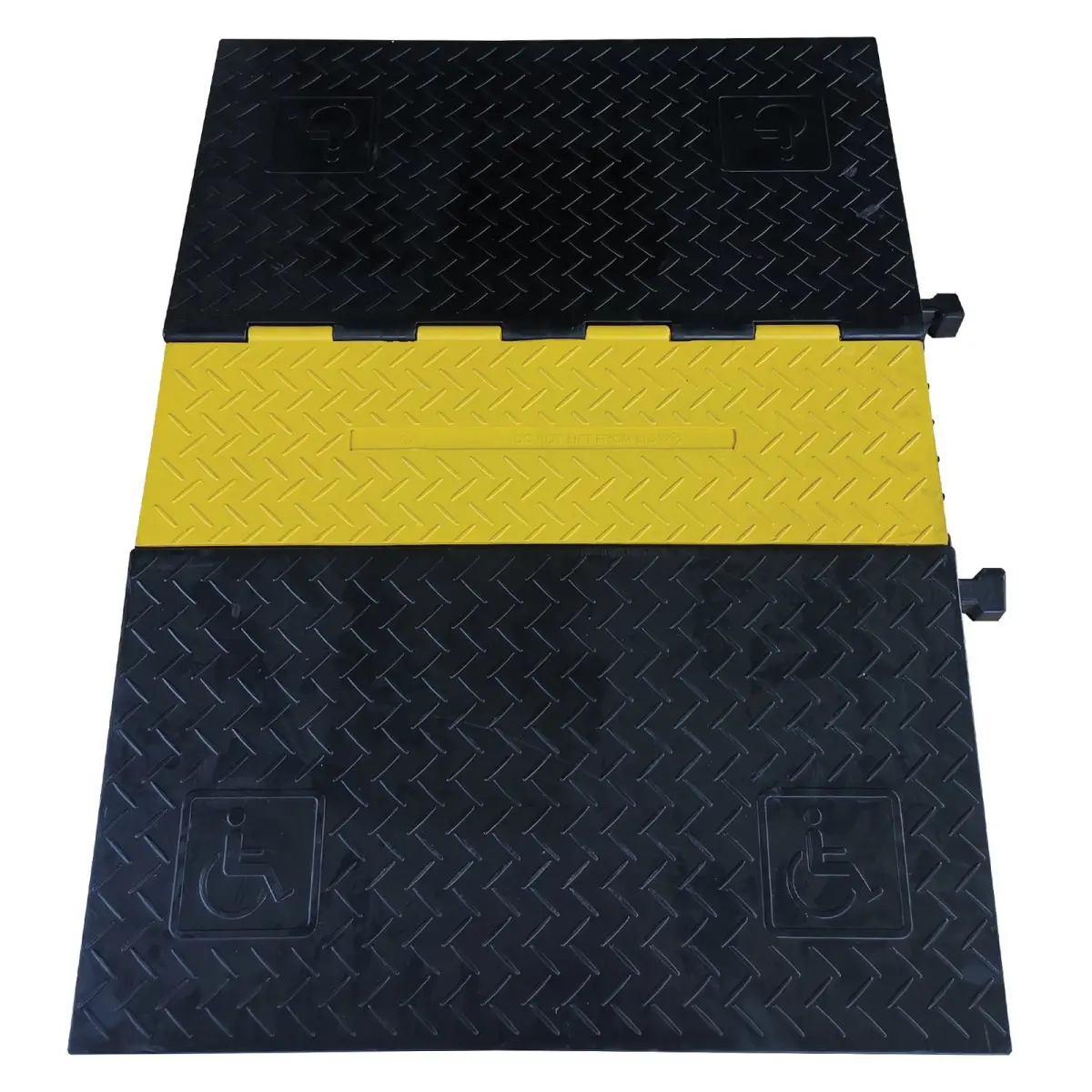
CP 535RA 5 Channel Cable Wheelchair Ramp
The Best PricesCompetitive pricing always
🇬🇧Supplying fast delivery throughout UK
UC-IR24
£4.00
ex. VAT inc. VAT
In stock
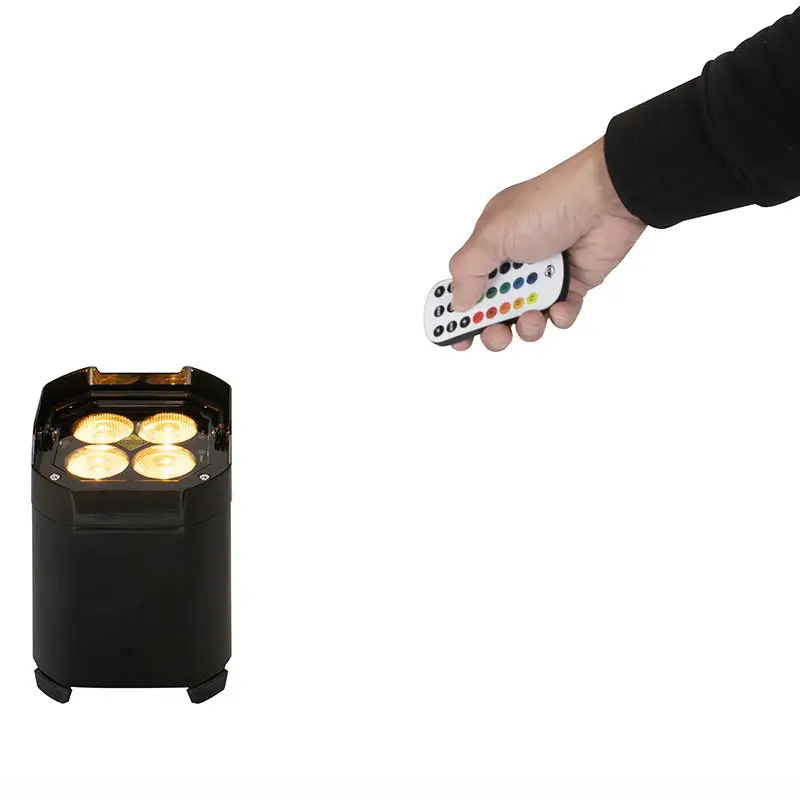
Infrared remote gives you control of various functions to a variety of ADJ fixtures with “IR” capabilities. To control the fixture you must aim the remote towards the IR sensor and be no more than 5.
In stock

Open a Trade Account
Business customers can apply in minutes. No fees, fast approval, exclusive trade pricing and volume discounts.


- Delivery 2-4 working days (Mon-Sat delivery between 08:00 and 17:00)
- Premium Courier Service: Trackable delivery to your business premises
- 14-day hassle-free return policy — no questions asked
- 24/7 Customer Support: Help is always available, day or night

Description
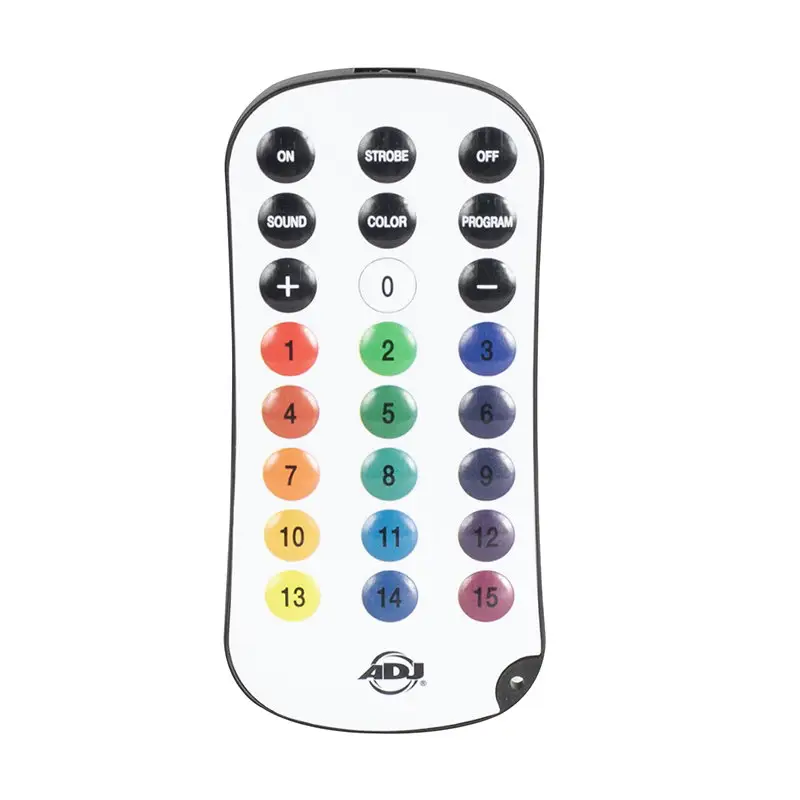
The UC-IR24 infrared remote gives you control of various functions to a variety of ADJ fixtures with “IR” capabilities. To control the fixture you must aim the remote towards the IR sensor and be no more than 5 meters away.
FEATURES:
1. ON and OFF buttons: When the ON button is pressed the lighting fixture shall return to its last running state. When the OFF button is pressed the unit shall go into stand by mode in a blackout state.
2. STROBE: When the strobe button is pressed the unit shall strobe the last set colour or program. The strobe rate can be adjustedby repeatedly pressing the + / – buttons. Pressing buttons 0-15 while the strobe function is active will strobe the colour associated with the button that is pressed.
3. SOUND: When the sound button is pressed the unit shall trigger the last selected program steps based on the primary units microphone. The microphone sensitivity can then be adjusted to be more or less sensitive with the +/- buttons. You can repeatedly press the +/-buttons to increase or decrease by one level or press and hold the +/- buttons to quickly increase or decrease sensitivity.
4. COLOR: When the colour button is pressed preset static colours can be selected by pressing buttons 0-15. The intensity for the set colour can then be adjusted with the +/- buttons. You can repeatedly press the +/- buttons to increase or decrease by one level or press and hold the +/- buttons to quickly increase or decrease intensity.
5. PROGRAM: When the program button is pressed internal programs can be selected by pressing buttons 0-15 (Note: the fixture being controlled must support 15 programs for all buttons to be functional). The selected program run speed can be adjusted with the+/- buttons. You can repeatedly press the +/- buttons to increase or decrease by one level or press and hold the +/- buttons to quickly increase or decrease the set program speed.
6. + and – buttons: These buttons are used to increase/decrease strobe rate when the STROBE button is active increase/decrease mic sensitivity when the SOUND button is active increase/decrease brightness intensity when the COLOR button is active and increase/decrease program run speed when the PROGRAM button is active. The +/- buttons can be repeatedly pressed to increase or decrease by one level or pressed and held to quickly adjust your strobe sound sensitivity brightness intensity or program speed settings.
7. 0-15 buttons: These buttons are used to select preset strobe speeds when the STROBE button is active to select preset static colours when the COLOR button is active and to select internal programs when the PROGRAM button is active. Colours stored in buttons 0-15 can be edited from the units menu if desired by the user.
Manufacturer Part Number: 1321000080
Compatible Models:
Mirage Q IP (Chrome and Black) Element H IP
Note: Units delivered with the old style IR remote will require a firmware update!
Battery Specifications:
Type: Lithium battery (CR2025) Energy: 0.45Wh Weight: 2.5g Voltage: 3V Capacity: 150mAh Total cells: 1
Only logged in customers who have purchased this product may leave a review.
Product Questions & Answers
There are no questions yet. Be the first to ask a question about this product.
Only registered users are eligible to enter questions
Related products
Reviews
There are no reviews yet.